


Design View
The design view is your primary way of interacting with your designs. It can be configured to show the things that are important to you at any given time
Layout Overview
The design view consists of the following parts:
Visible Job
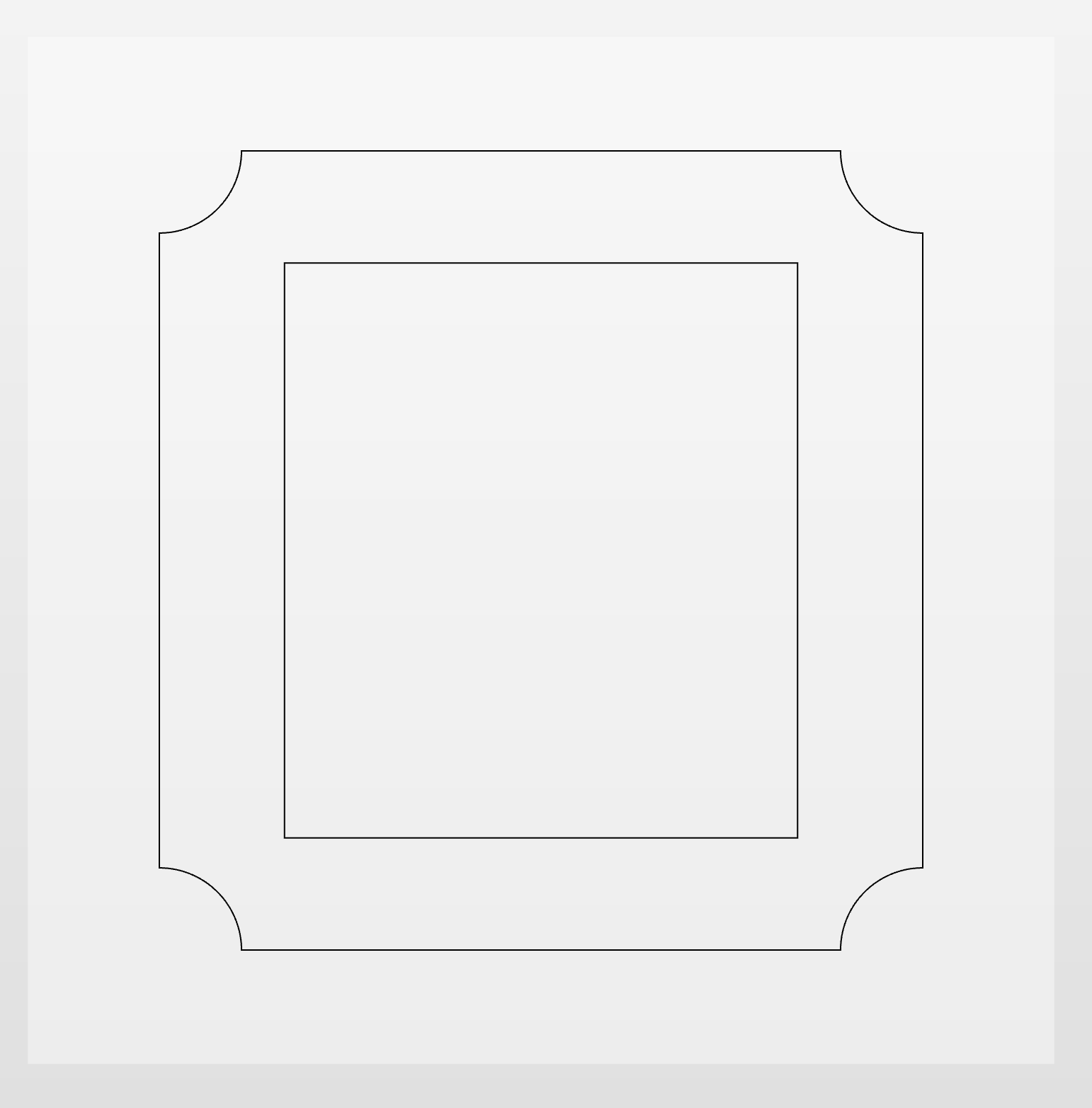
This is the main part of the view and shows the job you are working on
Visibility Toolbar
The top left toolbar which allows you to control what is shown in your view

Navigation Toolbar
The top right toolbar which allows you to navigate and zoom.
2D & 3D Mode
The design view can be switched between 2D and 3D Mode. When in 3D mode then your job can be twiddled and rotate in 3D space by holding down the right-mouse key and dragging. In 2D mode then then the camera is fixed and looks directly down at the job